Background Music Finder: Identify the Song You Hear
When music is playing in the background, record a clearer excerpt or choose a local file that contains that passage, then compare the returned title and artist with what you heard.
This tool identifies songs from mixed audio.
Capture the background music you can hear
Record a stretch with as little talking as possible, or choose a saved audio or video clip.
Use a supported recording up to 30 MB.
Give a quiet background passage a better chance
Move closer to the music
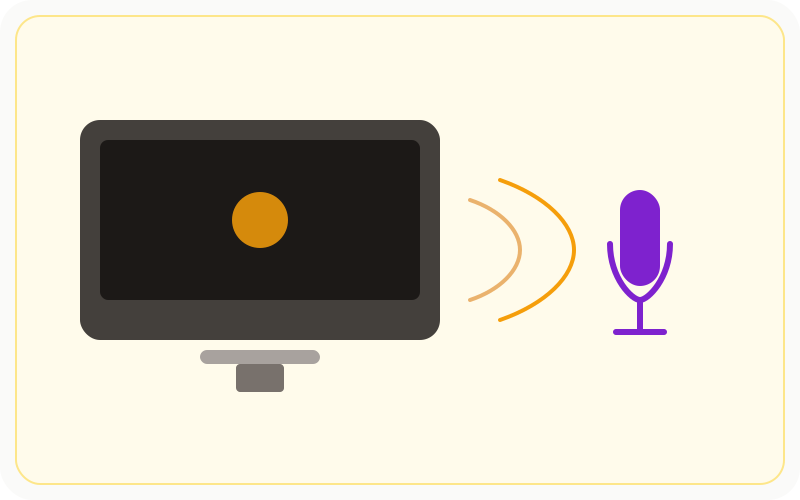
Shorten the distance to the speaker, television, or other source so the soundtrack is louder than conversation, fans, or street noise.
Wait for a musical gap in speech
Pause until the background music is easier to hear, or choose a saved excerpt that already has a clearer instrumental or chorus.
Search one passage at a time
If the background track changes, capture each musical section separately and compare each result with what you heard.
Background music finder questions
Can this tool isolate the background music from speech or vocals?
No. It does not perform stem or vocal separation. Record or select a passage where the music is as clear as you can make it.
How do I identify a song that is playing quietly in a room?
Move closer to the source, wait for a moment when speech is lower, and record a longer musical passage, or choose a local file that already contains that audio.
Can I paste a video or social link?
Not on this page. Use a recording or a local file. If you have a YouTube URL, the YouTube Song Finder is the page on this site that works from a YouTube link.
What if people are talking over the music?
Wait for a quieter stretch or pick the longest section where the soundtrack is easier to hear than the conversation.
Does a match let me reuse the background track?
No. A title and artist match does not grant music rights. Check the relevant license before using the song in your own work.