Hum to Search
Home / Spotify Downloader

Spotify Downloader

Download Spotify tracks as MP3

Use this free online Spotify downloader to request an MP3 from a song link. No sign-up or app required. Paste a Spotify track URL below to get started.

Paste a Spotify track link above to check whether an MP3 file is available.

What is a Spotify Downloader?

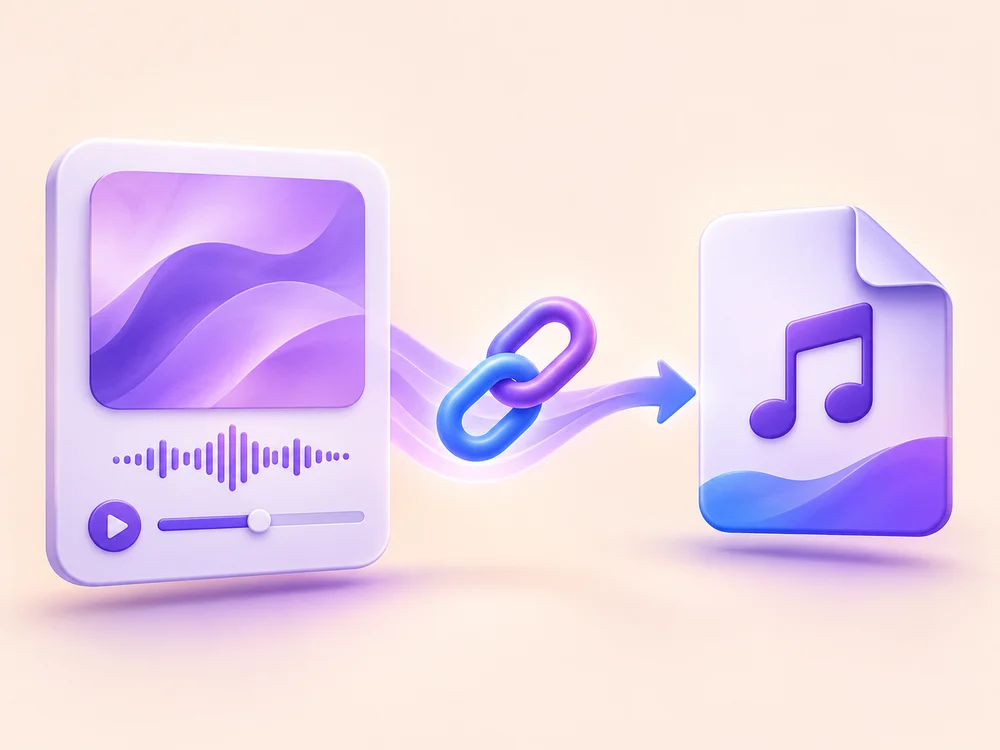
A Spotify downloader is an online tool for people looking to download Spotify songs as MP3 files. Hum to Search uses a public Spotify track link to identify an individual song and request a matching MP3 from an audio service. When a file is available, you can save it through your browser.

This Spotify song downloader works with full open.spotify.com/track/ links on mobile and desktop. Copy the song link from Spotify, paste it into the form and select Download MP3. The page shows whether your request is processing, ready to save or unavailable.

Looking for Spotify to MP3 conversion? This tool requests a matching audio file rather than extracting Spotify’s encrypted stream. File availability and audio quality depend on the configured source. See the questions below for supported links, quality and download troubleshooting.

How to download Spotify songs as MP3

  1. In Spotify, open the song’s menu and choose Share → Copy song link.
    01

    In Spotify, open the song’s menu and choose Share → Copy song link.

  2. Paste the full address into the input above, then select Download MP3. Keep this page open while the request runs.
    02

    Paste the full address into the input above, then select Download MP3. Keep this page open while the request runs.

  3. If a file is ready, save it with your browser. If an error appears, read the message before retrying.
    03

    If a file is ready, save it with your browser. If an error appears, read the message before retrying.

Online Spotify Downloader Features

Spotify to MP3 Downloader

Spotify to MP3 Downloader

Looking for Spotify to MP3? Start with the full link to the song you want to save. The form checks the track URL before sending an audio request, so you can fix an invalid link without waiting. A matching MP3 is offered only when the audio service returns a file; this tool does not convert Spotify’s encrypted audio directly.

Spotify Song Downloader

Spotify Song Downloader

Use the Spotify song downloader for one track at a time. Copy the song’s public link from the Share menu, even when you found it inside an album or playlist. Follow the request in the result panel: a ready message includes a file to save, while a busy or unavailable message explains why you need to wait or try again.

Download MP3 on Mobile & Desktop

Download MP3 on Mobile & Desktop

Save an available MP3 using the browser on your phone, tablet or computer. No converter app or extension is needed. When a file is ready, the page starts a browser download and keeps a save link available for that result. Check Downloads or Files on your device, and use the link again if you missed the first save prompt.

Why choose our Spotify Downloader?

No Password Required

Paste a public song link. No Spotify password or access to your private music library is needed.

Free to Use

The download form has no checkout or subscription requirement. File availability depends on the audio service.

No App Needed

Use the Spotify downloader in your browser. No converter software or browser extension to install.

Mobile & Desktop

Open the same tool on your phone, tablet or computer and save returned files through your browser.

MP3 Downloads

Request an MP3 match for a Spotify track. When a file is ready, save it to your device.

No Account Needed

Get started without signing up or entering an email address. No Hum to Search account is required.

Spotify downloader: your questions, answered

Specific answers about supported links, file sources, quality and privacy.

01Which Spotify links can I use?

This version accepts full https://open.spotify.com/track/ links for individual songs. Album, playlist, artist, podcast and shortened links are not supported. Tracking parameters on a valid track link can be removed automatically.

02Does this work as a Spotify playlist downloader?

No. This version is a single-track tool, not a Spotify playlist downloader or Spotify album downloader. Open the collection in Spotify and copy an individual song link. Playlist, album and artist links cannot create a batch download or ZIP file here.

03Does this download the original audio stream from Spotify?

No. The Spotify link identifies the song. A separate audio service must find and return a matching file; this tool does not extract Spotify’s encrypted stream. Only save content you have permission to download.

04Can I choose 320 kbps or lossless audio?

This version does not offer a quality selector or guarantee a bitrate. Quality depends on the file returned by the configured audio service. Check the downloaded file rather than assuming that an MP3 is high quality.

05What should I do if the download fails?

For an invalid-link message, copy the full song address again. For a busy response, wait before retrying. An unavailable response can mean the service is offline, unconfigured or unable to find a match; repeatedly submitting the same request may not resolve it.

06Where is my saved file, and can I save it again?

Check the browser’s download list first, then your device’s Downloads or Files folder. If the file was not saved, use the ready-file link while it is still shown on this page. Reloading the page or submitting another request clears that result.

07What information is processed if no login is required?

The form does not require registration or Spotify credentials. The public track address is sent to our server and the configured audio service to process the request; no-login does not mean completely anonymous. Consult our privacy policy for site-wide data practices.